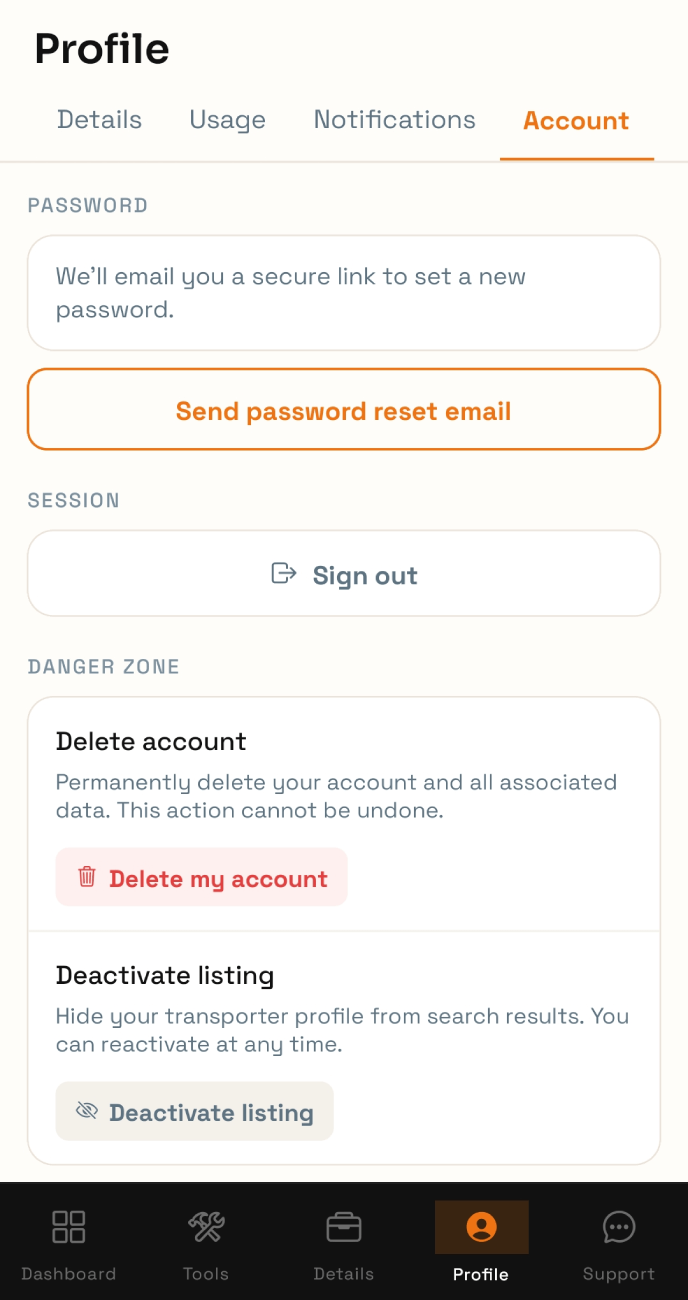
Managing Profile/Account
To manage your Profile/Account, click the "Profile" icon on the bottom bar.
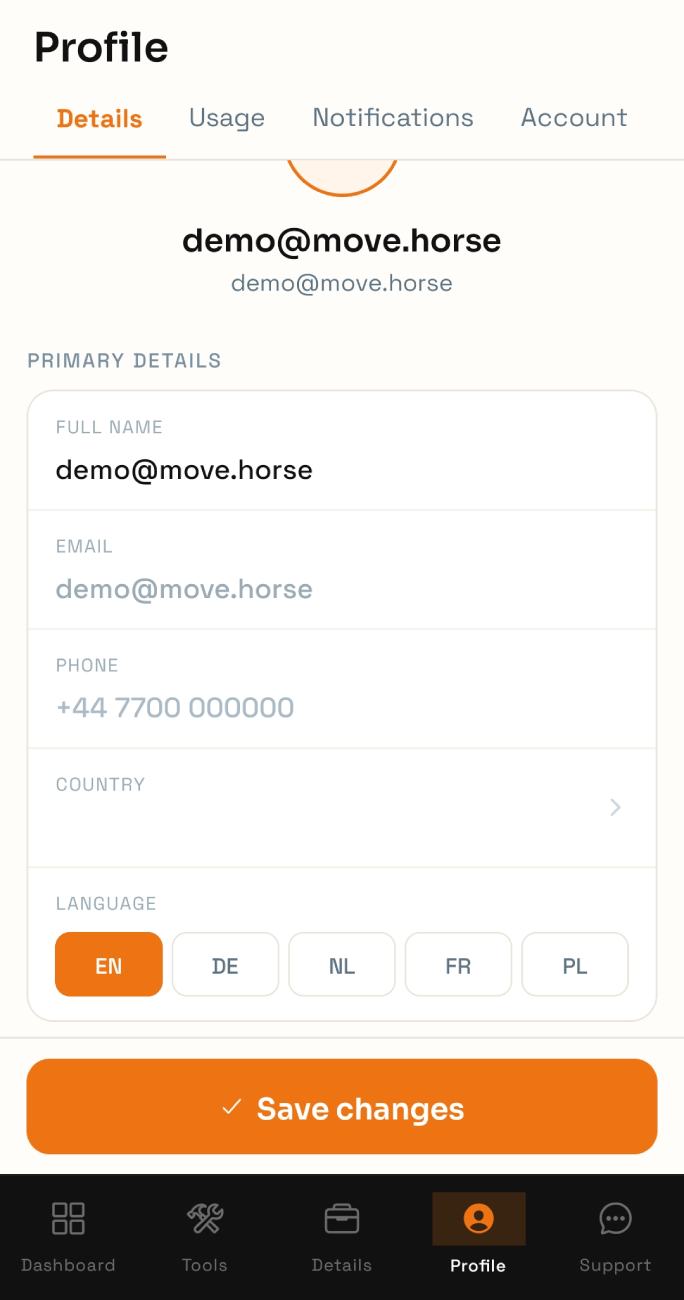
On the 'Details` screen, you can change your username, account phone number, and account country. This information is not public. To change your account email, please contact our support team.
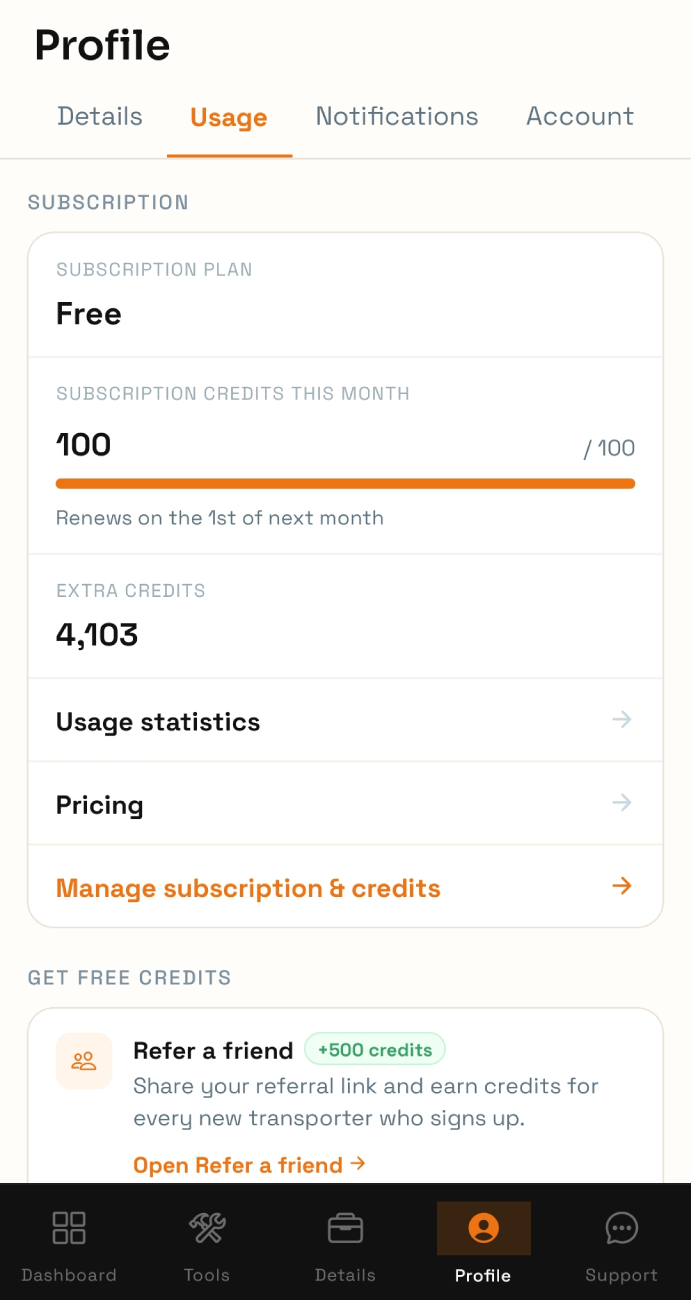
On the Usage tab, you can find your app usage statistics, your current plan, balance, and our pricing. Changing plans and purchasing credits are available in your account in the browser.
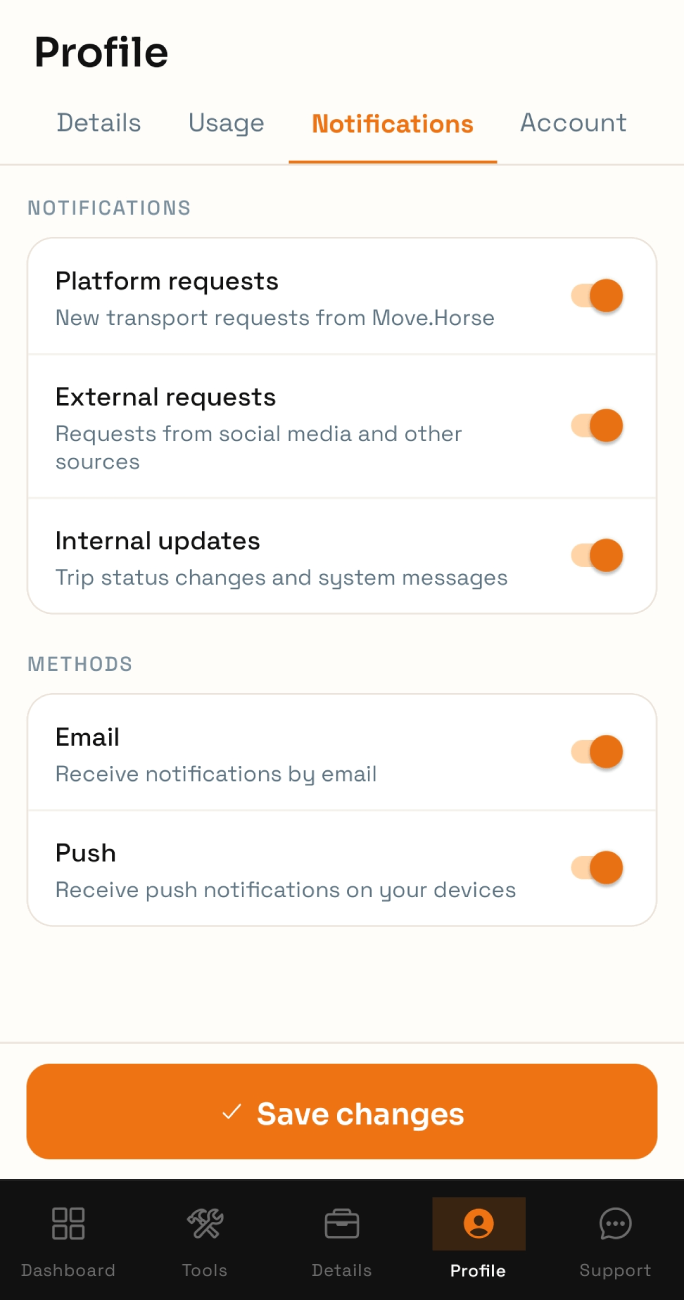
On the Notifications tab, you can control your notifications. You can manage receiving social media requests, move.horse requests and system notifications separately. You can also disable email or push notifications
On the Account tab, you can sign out, reset your password, delete your account, or deactivate your listing.